
Signing in to MarTech3D | Engine
🔐 How to Sign in to Martech3D | Engine
To access the MarTech3D | Engine platform, you'll need your login credentials provided by our support team. Here's how to get started:
📨 Step 1: Get your login details
Your initial login credentials will be provided by the MarTech3D support team. If you haven’t received them yet, please contact us at support@martech3d.com.
🔑 Step 2: Sign in
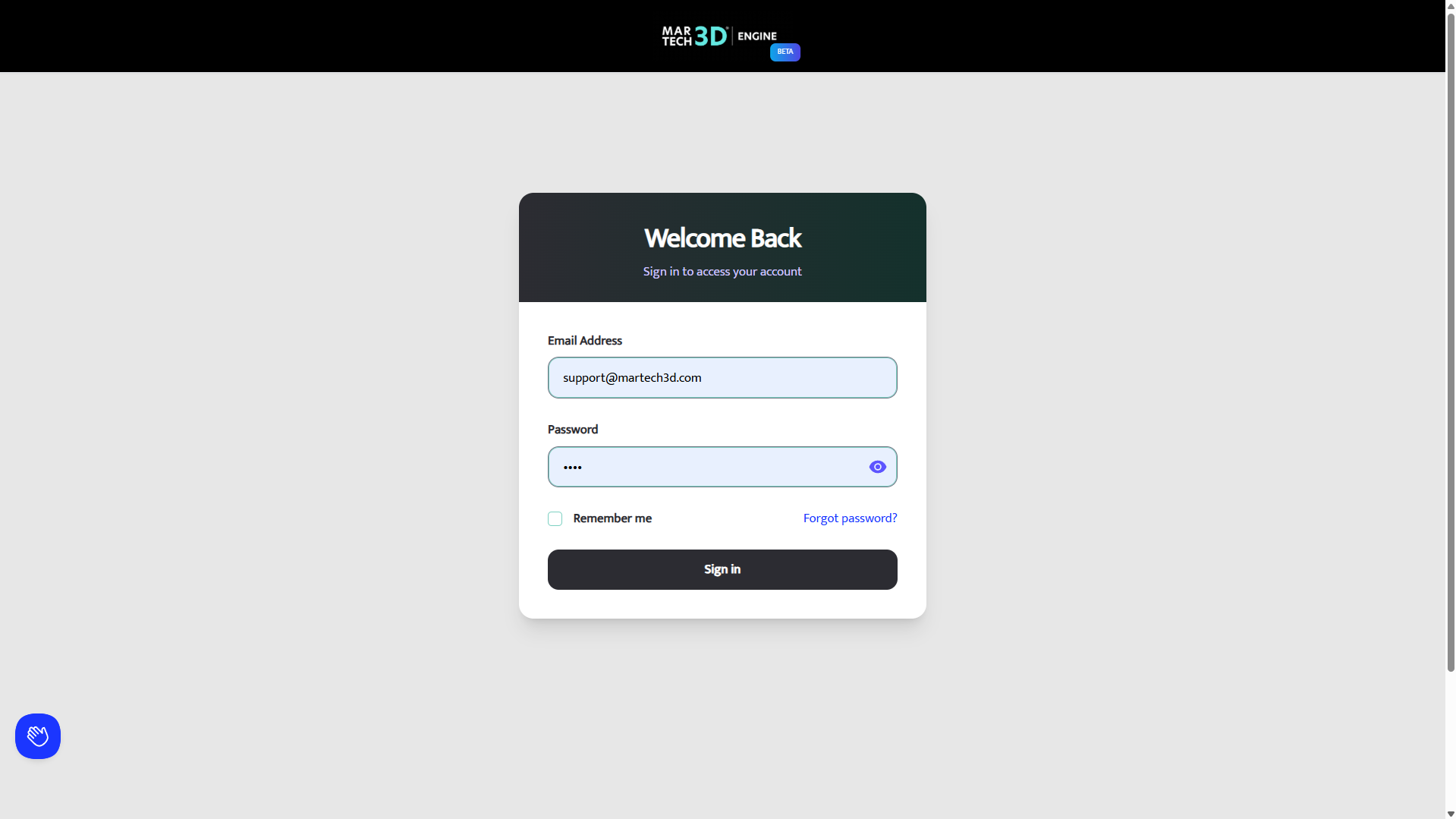
- Go to the MarTech3D | Engine login page
- Enter your email address and password
- Optionally tick Remember me if you'd like your details saved for next time
- Click Sign In
❓ Forgot your password?
No problem — follow these steps:
- Click the Forgot password? link on the login screen
- Enter your email address
- Check your inbox for the reset email
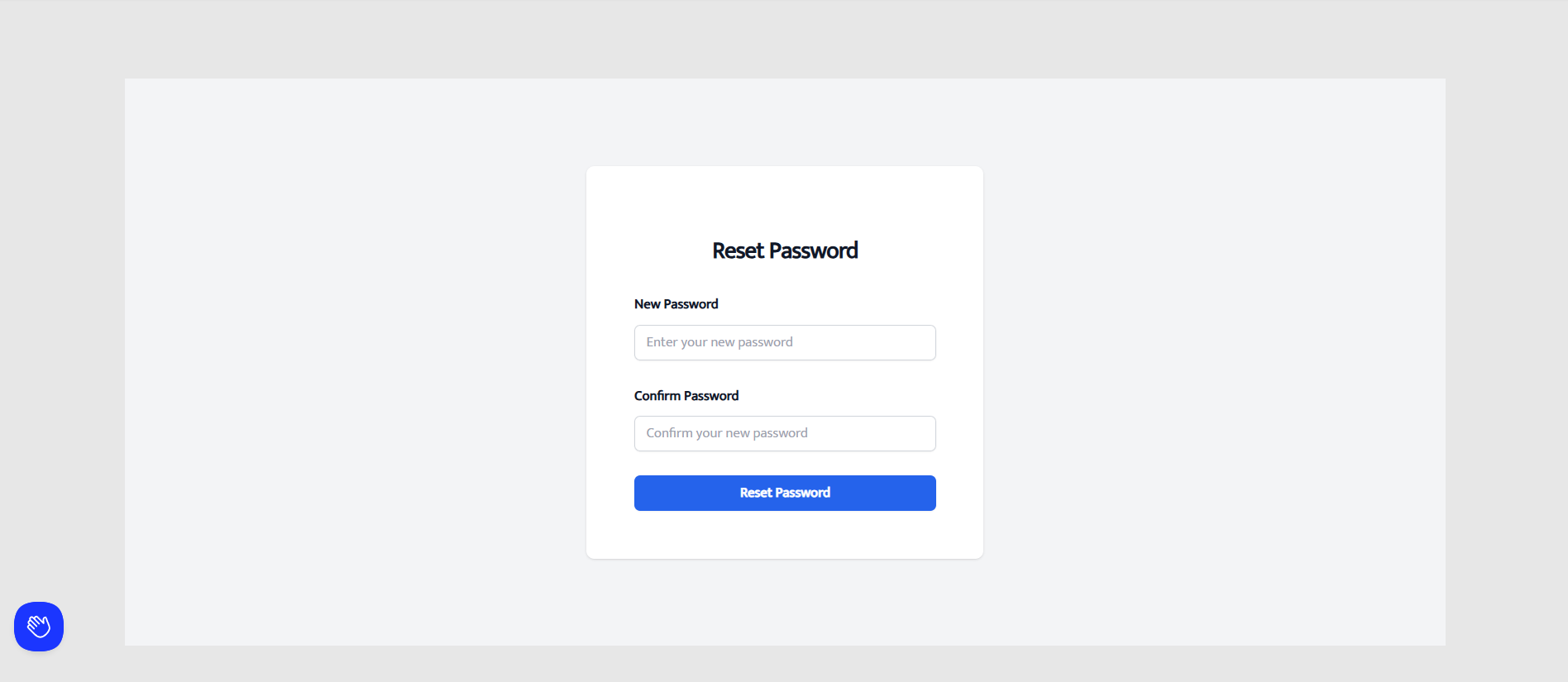
- Click the link in the email to set a new password
🔒 Tip: Check your spam or junk folder if the email doesn’t arrive within a few minutes.
💬 Need help?
If you're having trouble logging in or resetting your password, get in touch with our support team:
- 💬 Live chat (bottom-left corner of the platform)
- 📧 Email: support@martech3d.com
- 📞 Phone: 0044 (0)20 3146 6823
We’re here to help you get logged in and started as quickly as possible.